What Is Heat Damage on MacBook Pro Screens? Heat damage on MacBook Pro screens means permanent visual destruction to the […]
Category: Mac & Macbook tips
Mac & MacBook Tips: Simple Fixes for Common Mac Problems
Macs are reliable machines. But reliable doesn’t mean perfect. At some point every Mac user runs into something that just doesn’t work a MacBook that won’t turn on, an app that won’t uninstall properly, or a security concern they’re not sure how to handle.
This section covers all of that. No complicated terminal commands unless absolutely necessary. No assuming you already know your way around macOS. Just clear steps that get the job done.
MacBook Not Turning On?
This is one of the most panicked searches a Mac user ever does. You plug in your charger, the light comes on, but the screen stays black. Nothing happens.
It feels like your MacBook is dead. Most of the time it isn’t.
The guide here covers 8 fixes for a MacBook that won’t turn on but is charging starting from the simplest reset methods all the way to what to do if nothing else works. Works for MacBook Pro and MacBook Air.
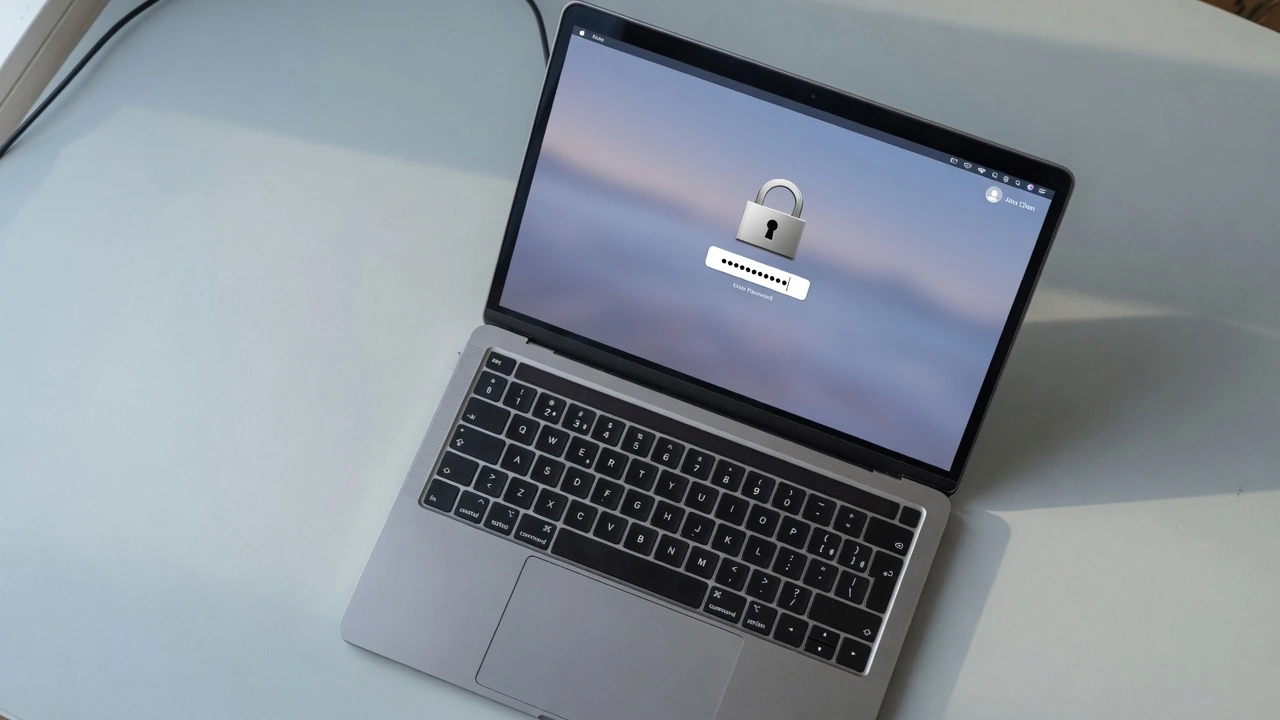
Factory Reset Without a Password
Forgot your Mac login password? Need to reset a MacBook you bought secondhand? This is more common than Apple would like to admit.
The factory reset without password guide covers exactly how to do this on MacBook Pro and MacBook Air including what changes with Apple Silicon chips versus older Intel models. No guesswork involved.
Mac Security Guides
A lot of Mac users still believe their device can’t get malware. That’s not true anymore.
Adware, browser hijackers and unwanted programs do get onto Macs usually through software downloads or browser extensions you didn’t pay close attention to.
The malware check guide walks through 9 free steps to find and remove anything suspicious without paying for a third party tool.
Uninstalling Apps the Right Way
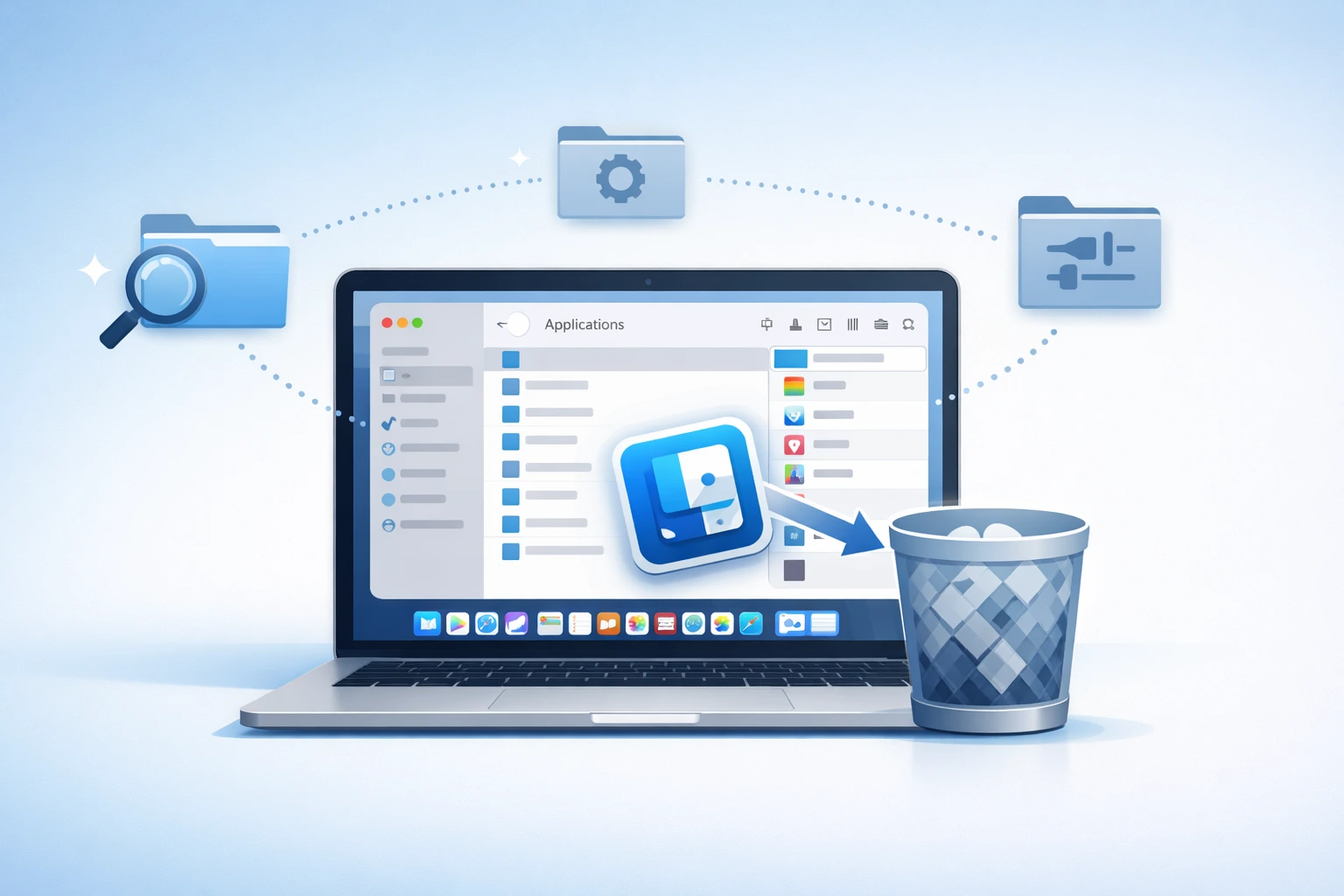
Dragging an app to the Trash on Mac doesn’t fully remove it. Support files, caches and leftover data stay behind and take up space over time.
The complete app uninstall guide covers 5 methods to remove apps from Mac properly including how to find and delete the hidden files most people never clean up.
Works Across All MacBook Models
Whether you have a MacBook Air M1, M2, M3, a MacBook Pro with Apple Silicon, or an older Intel-based Mac the guides here mention which method applies to your specific model so you’re never following steps that don’t work on your machine.
MacBook Won’t Turn On But Is Charging? 8 Fixes That Actually Work
Why Won’t My MacBook Turn On Even Though It’s Charging? I’ve experienced this scenario many, many times before and I […]
How to Factory Reset MacBook Pro Without Password (Works for Air Too)
Why You Need to Factory Reset Without a Password (And If It’s Even Possible) I can’t tell you how frustrating […]
How to Check for Malware on Mac: 9 Free Steps
Viruses, Adware and PUPs What Can Actually Get On Your Mac Most people still believe Macs are completely safe from […]
How to Completely Uninstall Apps on Mac: 5 Easy Ways (2026)
How to Remove Installed Apps from Mac Completely (Without Leaving Junk Files) If you want to remove installed apps from […]