Skip to content
  • About us
  • Contact us
  • Privacy Policy
  • Terms and Conditions
futuretechtips
MENU
  • Home
  • Android Tips
  • Laptop Fixes
  • Windows Fixes
  • Mac & Macbook tips
  • Wifi & Internet Fixes
  • iPhone and iOS Tips
Homepage / Windows Fixes

Category: Windows Fixes

Windows Fixes Real Solutions for Real Windows Problems

Windows is the most used operating system on the planet. And somehow, it still manages to throw errors, freeze up, and break things at the worst possible moments.

If you’re here, something on your Windows PC isn’t working the way it should. Good. You’re in the right place.

Error Codes That Make No Sense? Fixed Here

Windows error codes are frustrating because they tell you something is wrong without telling you what. The guides in this section break them down in plain language so you actually understand what happened and how to fix it.

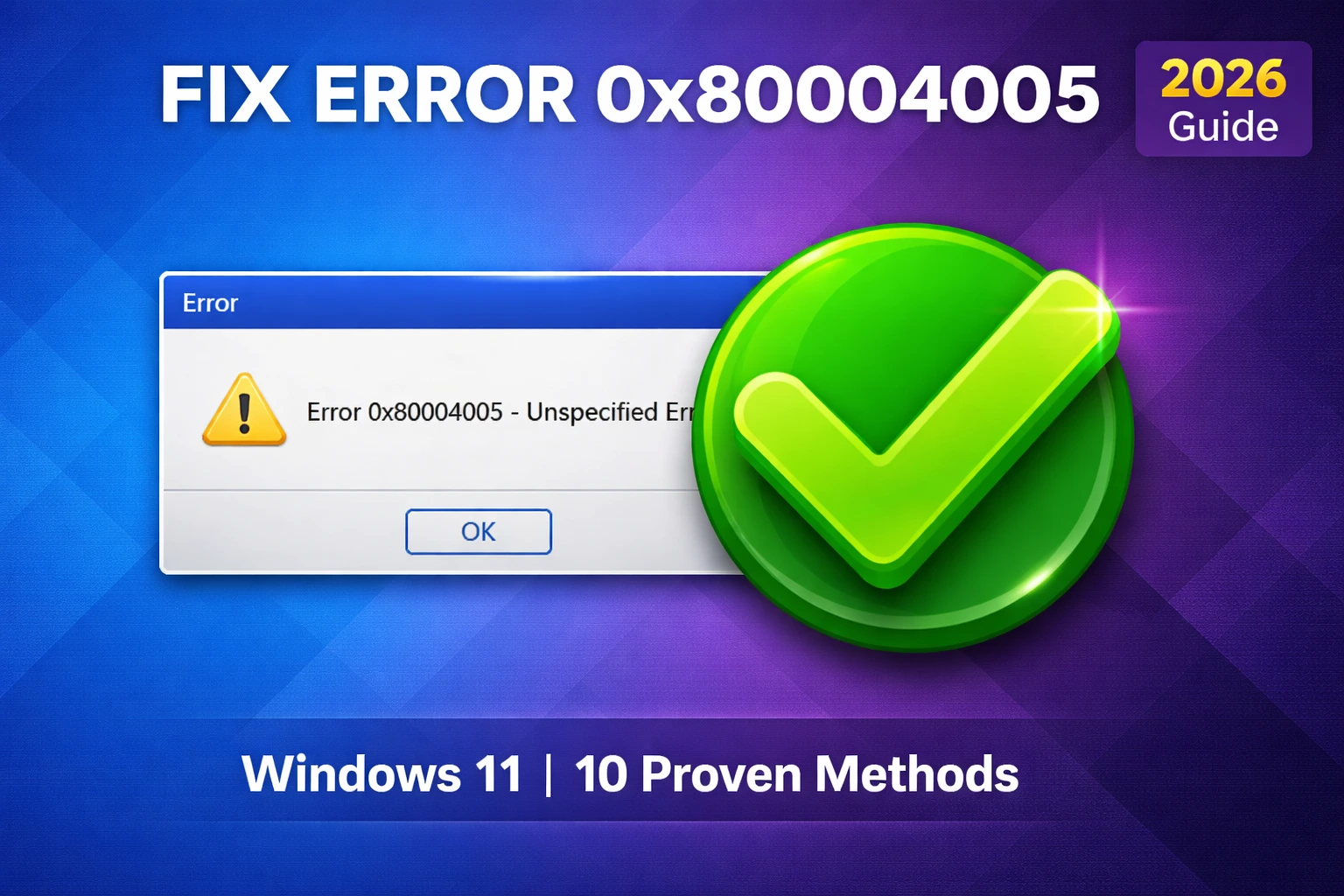
  • Error 0x80004005 on Windows 11 one of the most common and confusing errors, covered with 10 different fixes depending on what triggered it
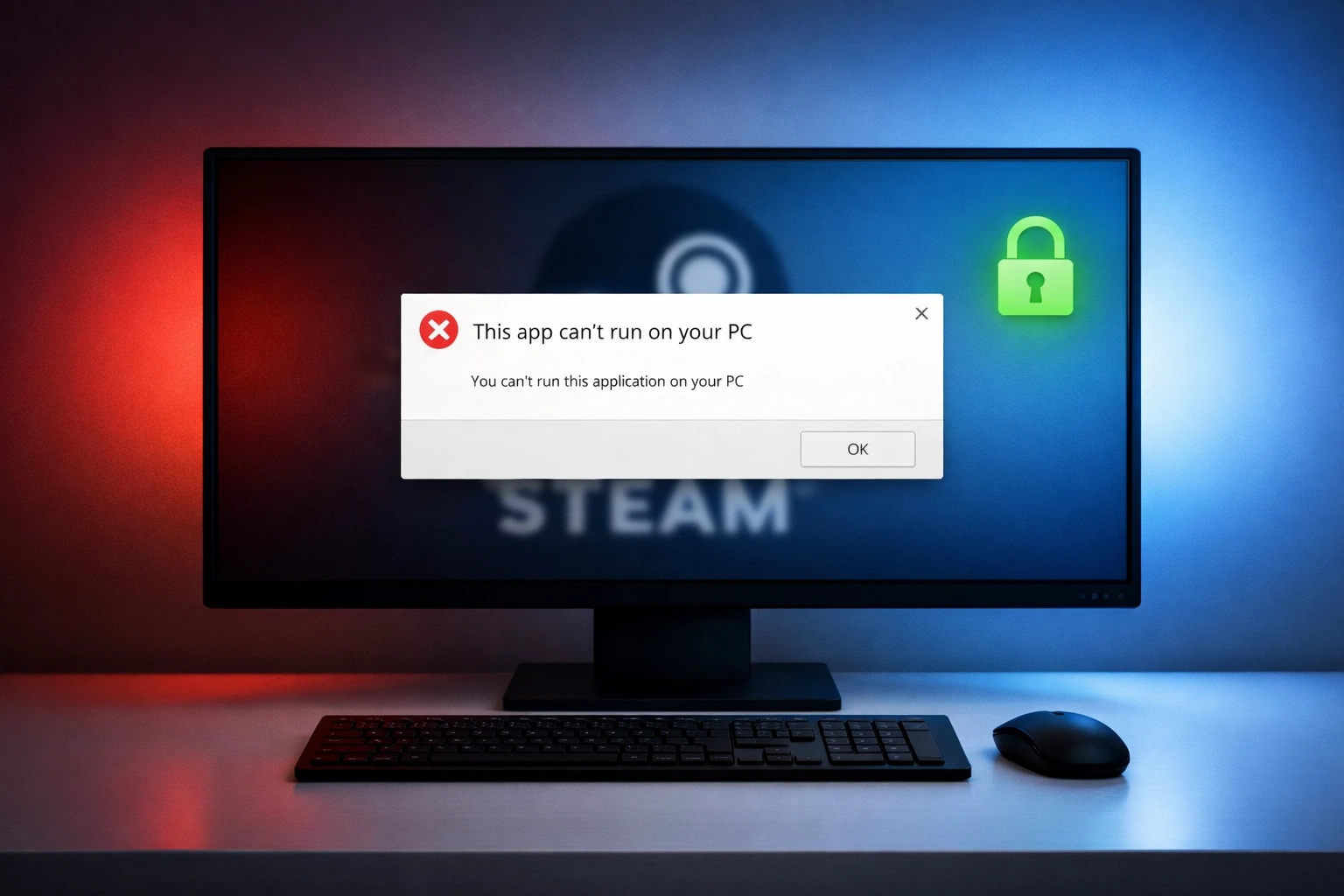
  • Steam “This App Can’t Run on Your PC” error  happens after a Windows update and has a simple fix most people miss
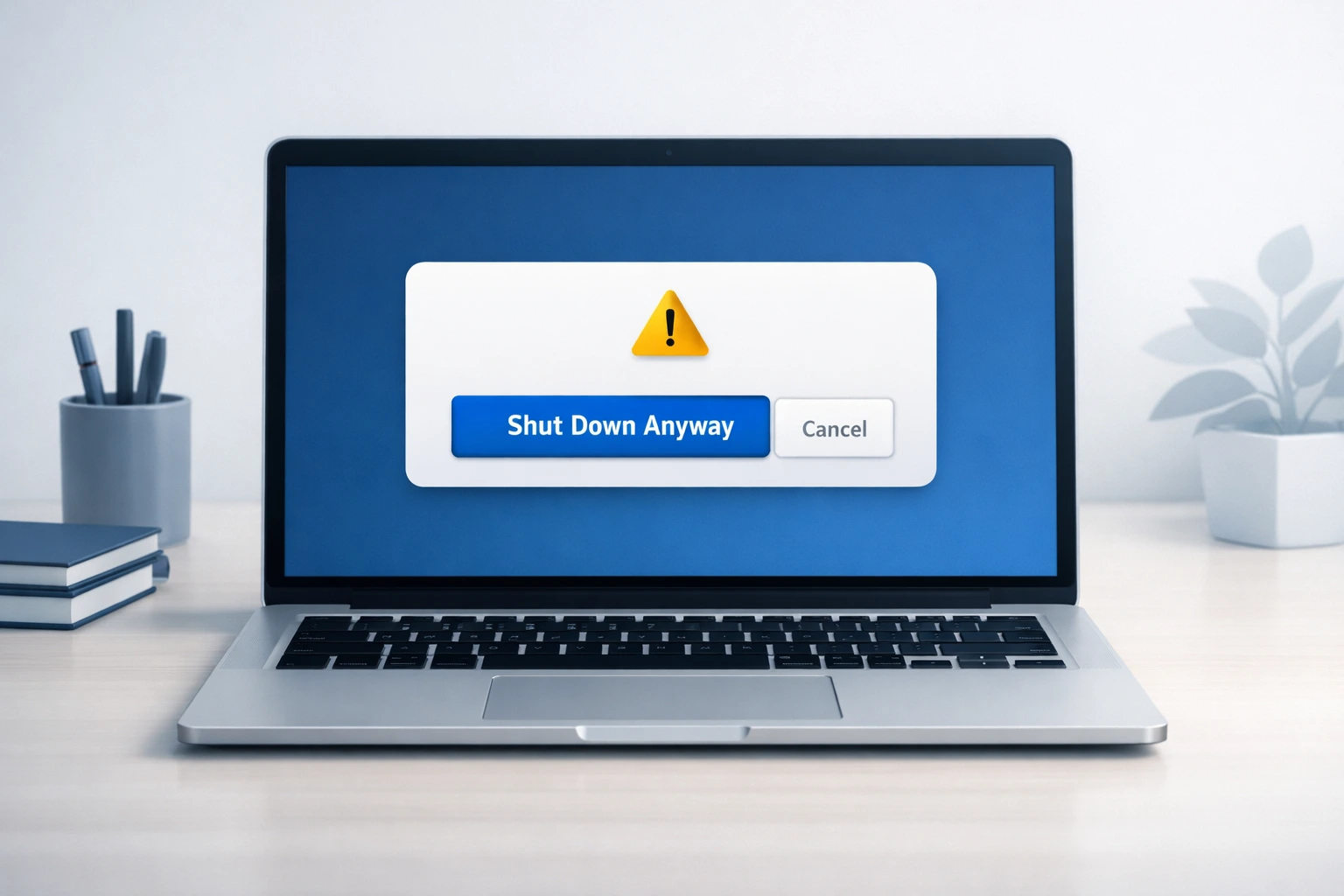
  • “This program is preventing Windows from shutting down” what’s safe to force close and what isn’t

Windows 11 Guides That Go Beyond the Basics

Windows 11 changed a lot of things. Some settings moved. Some features got hidden. These guides help you find them fast.

  • How to enter BIOS in Windows 11: 6 methods including what to do when Fast Startup blocks you
  • How to check CPU temperature in Windows 11 : 7 methods from built-in tools to free software
  • How to disable Realtek Audio in Windows 11 : 5 methods for when you need a different audio output

Display and Hardware Fixes

Not every Windows problem is a software issue. Sometimes it shows up on your screen.

  • Blue tint on monitor in Windows 10: 7 fixes covering display settings, drivers and hardware causes
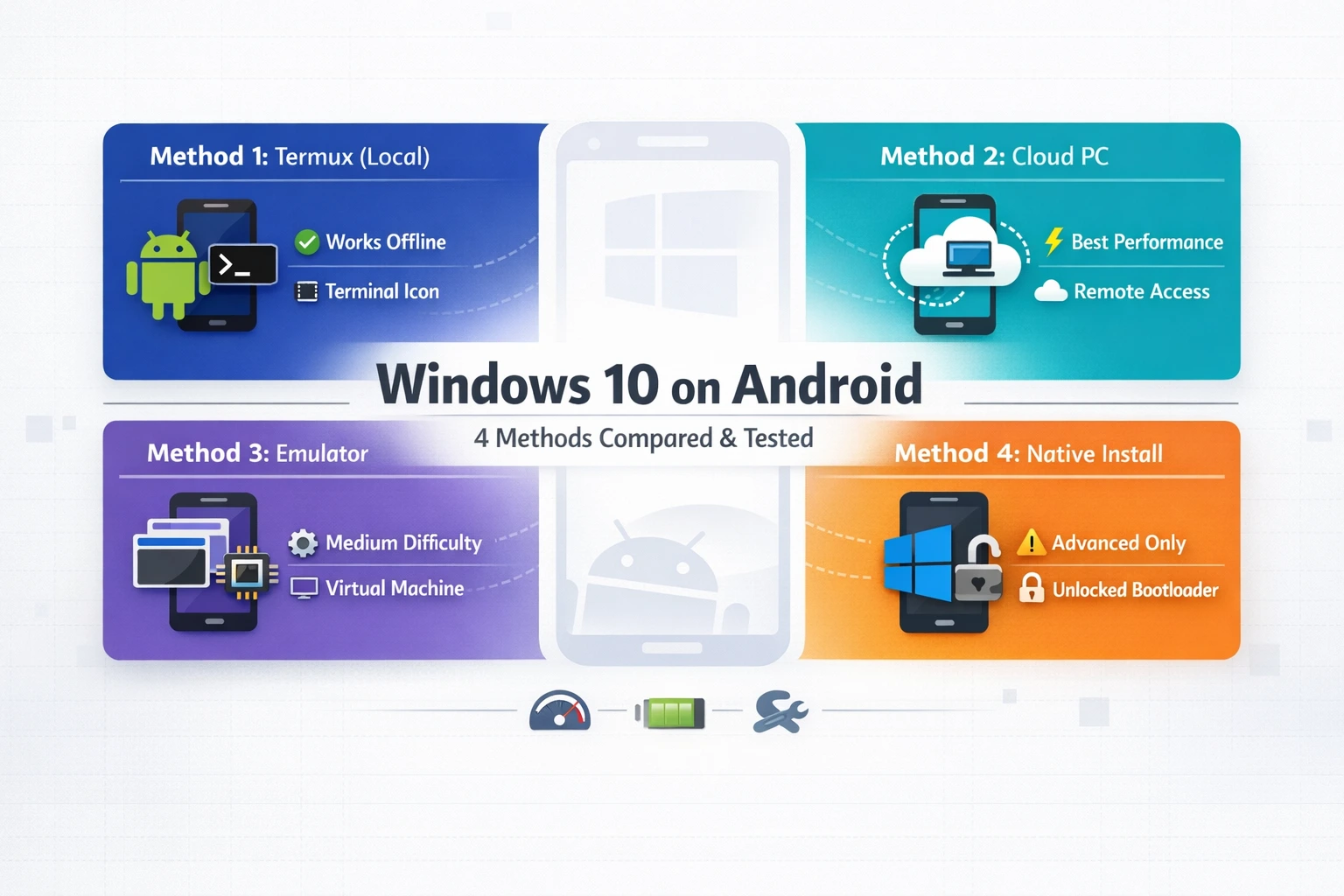
  • Windows 10 ARM on Android:  yes it actually works, and there are 4 tested methods covered here

Written for Windows 10 and Windows 11 Users

Most guides here cover both Windows 10 and Windows 11 unless the issue is specific to one version. Each guide clearly states which version it applies to so you’re never following the wrong steps.

Whether your PC is two years old or brand new, if it runs Windows, these fixes are written for you.

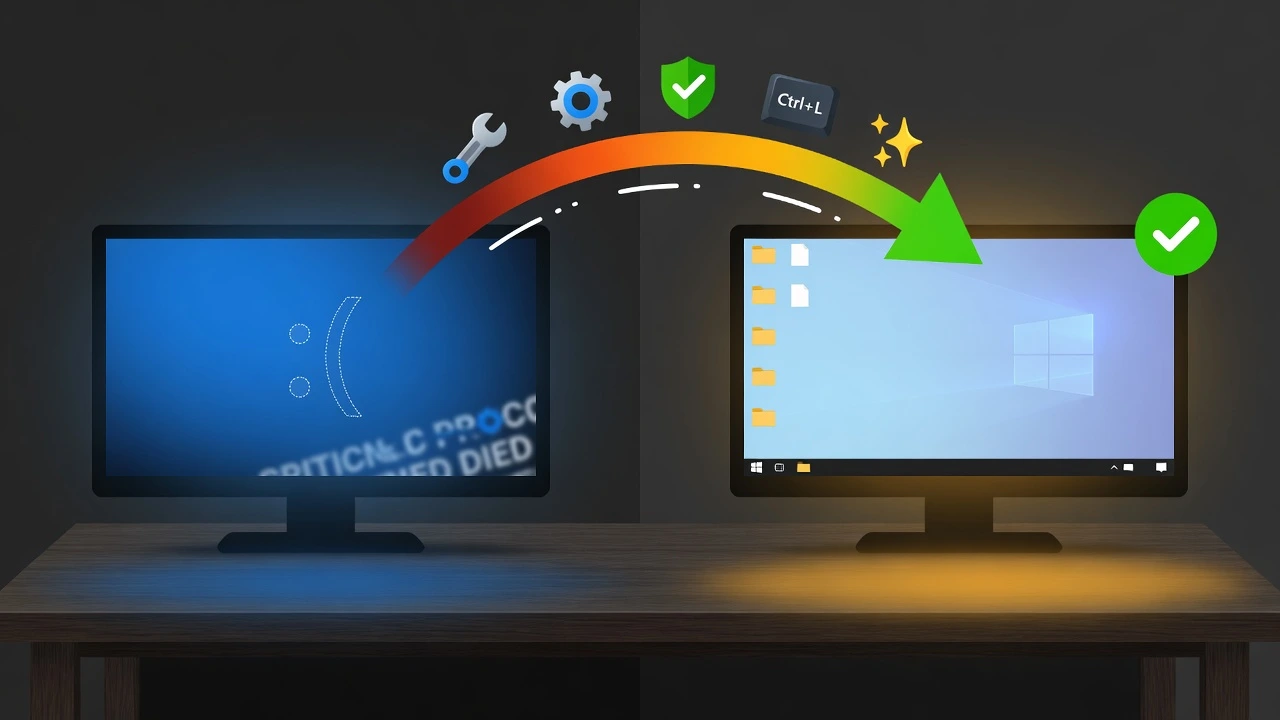
Illustration showing transition from Windows 10 blue screen error to working desktop with green checkmark representing successful fixes

Windows 10 Blue Screen After Login: 7 Proven Fixes That Work
By mustahsantariqPosted on May 25, 2026May 25, 2026

Why Windows 10 Shows Blue Screen After Login (But Not During Boot) If your PC boots cleanly but hits a […]

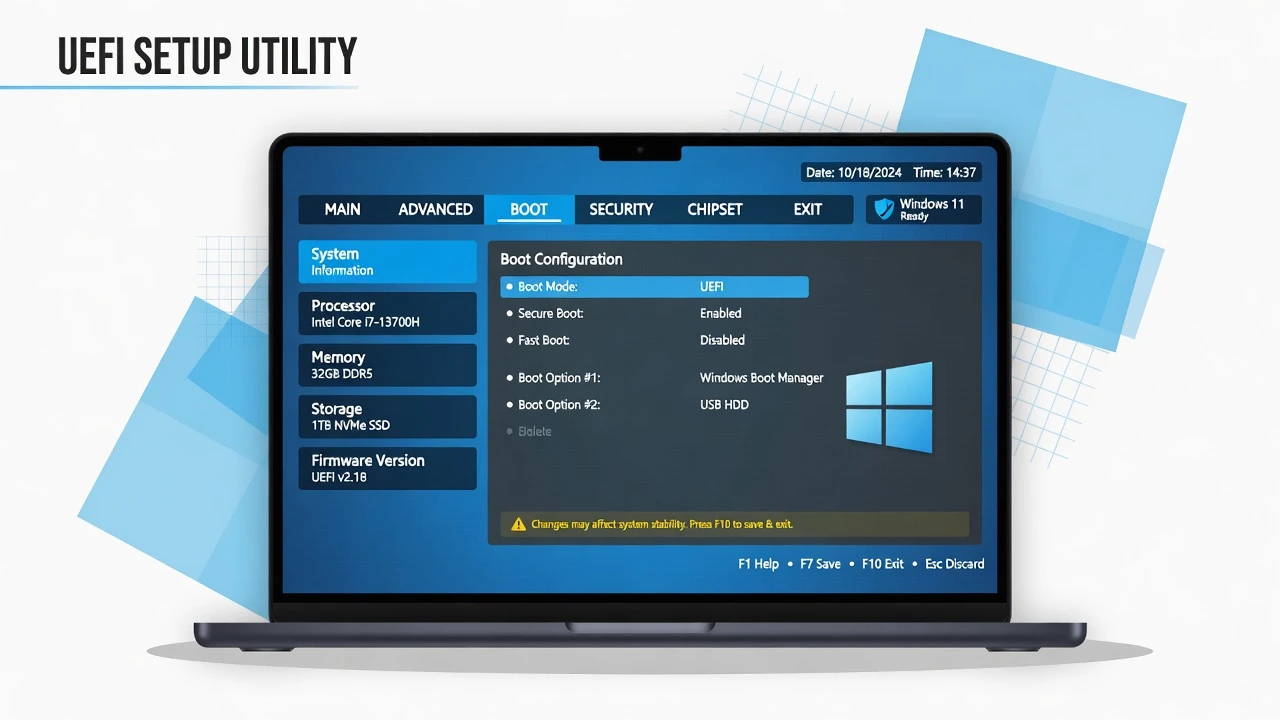
Laptop screen showing UEFI BIOS setup interface representing how to enter BIOS in Windows 11

How to Enter BIOS in Windows 11 (6 Methods That Actually Work)

By mustahsantariqPosted on May 9, 2026May 12, 2026

Why You Can’t Enter BIOS in Windows 11 (The Fast Startup Problem) I’ve helped dozens of frustrated users figure out […]

Illustration of a Windows 11 monitor displaying a CPU temperature monitoring dashboard with colored gauge bars

How to Check CPU Temp in Windows 11 (7 Methods)

By mustahsantariqPosted on May 8, 2026May 12, 2026

Does Windows 11 Show CPU Temperature? (Not Where You Think) Learning how to check CPU temp Windows 11 isn’t as […]

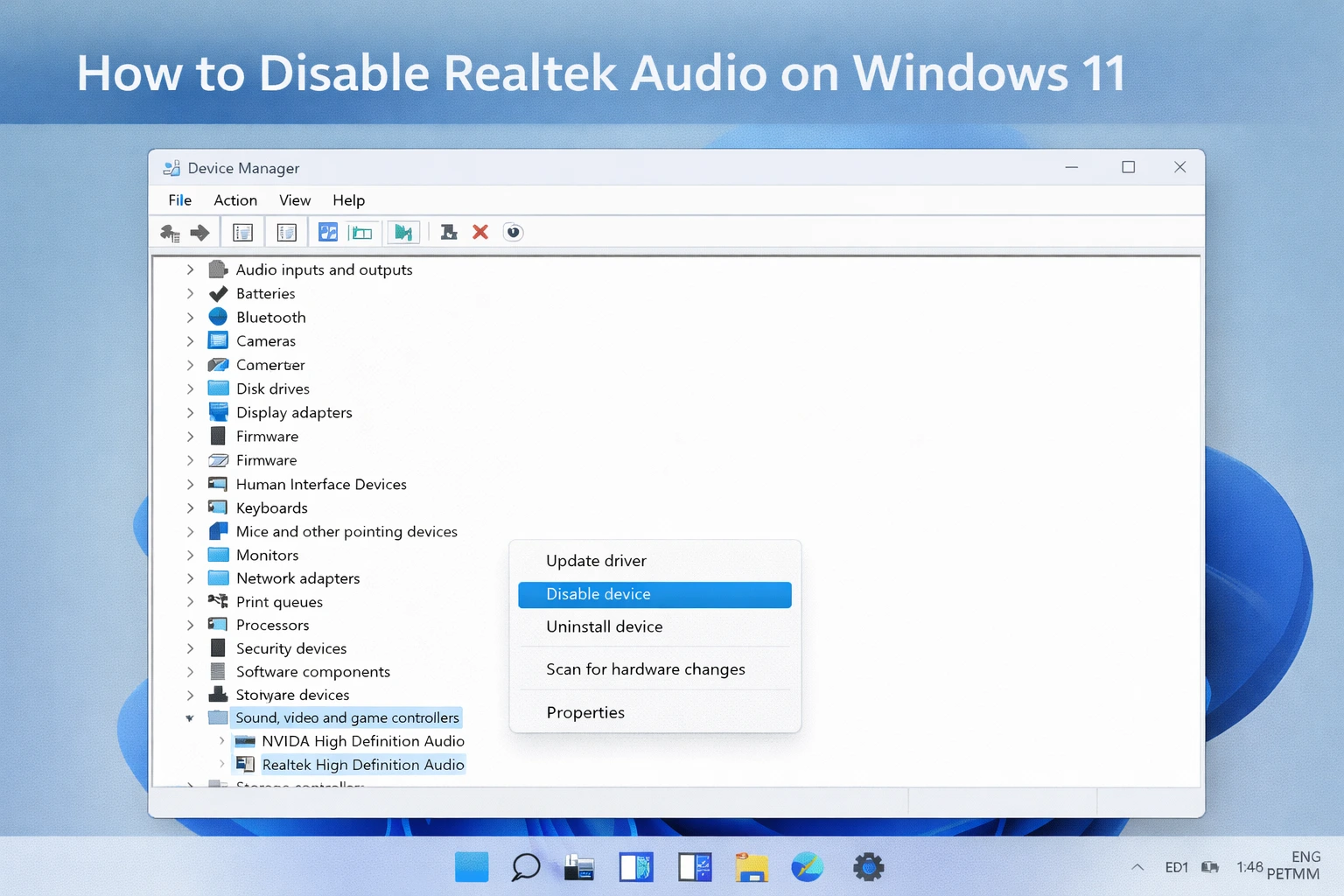
Windows 11 Device Manager showing Realtek High Definition Audio with Disable device option highlighted in the right-click menu

How to Disable Realtek Audio on Windows 11 (5 Methods That Actually Work)

By mustahsantariqPosted on April 19, 2026May 12, 2026

Why You Might Want to Disable Realtek Audio on Windows 11 If you’re looking for how to disable Realtek audio […]

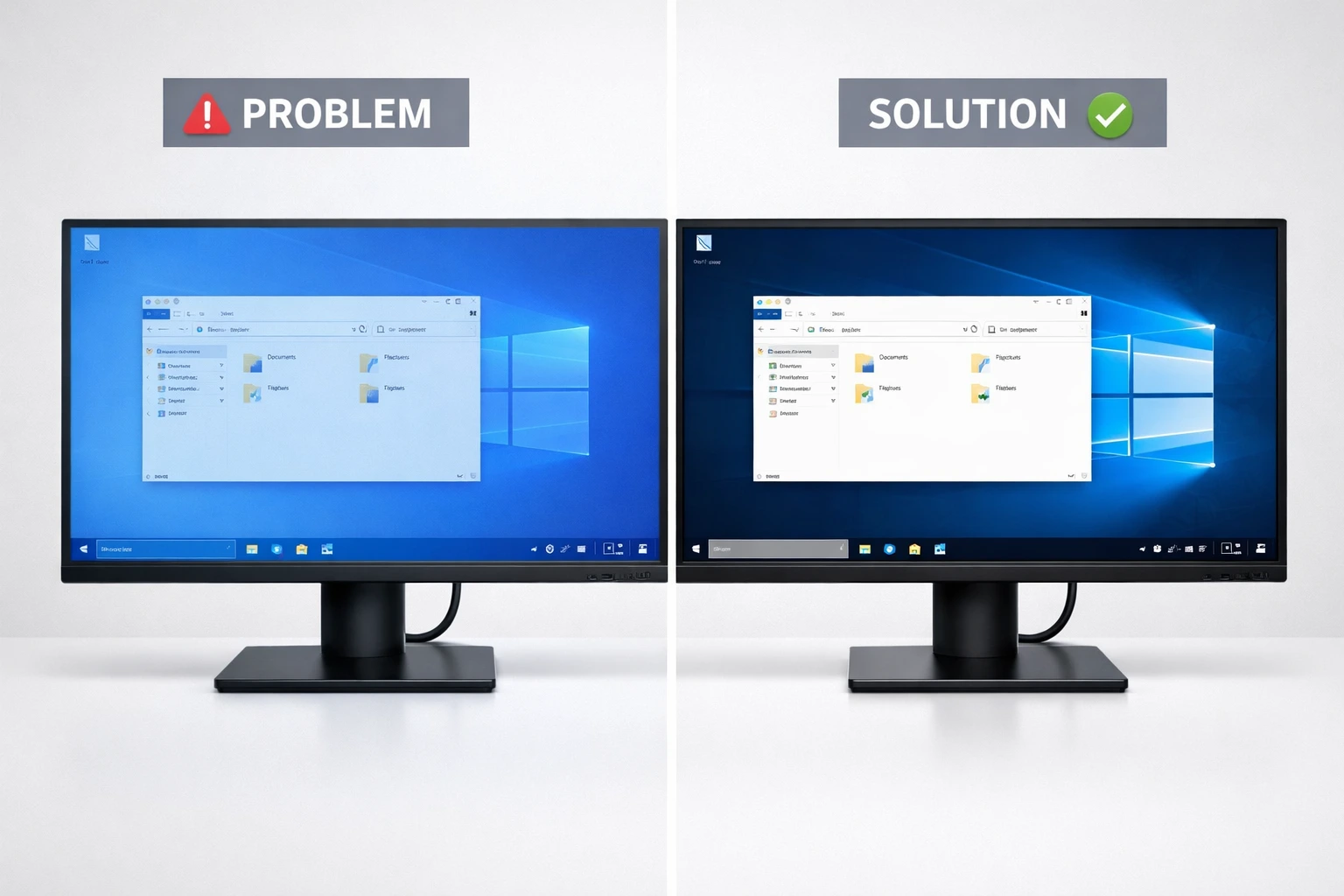
Before and after comparison of blue tint on Windows 10 monitor showing problem display with blue color cast and solution with accurate colors

How to Fix Blue Tint on Monitor in Windows 10 (7 Proven Methods)

By mustahsantariqPosted on April 13, 2026May 12, 2026

What Causes Blue Tint on Monitor in Windows 10? If you’re seeing an unusual blue tint covering your entire screen […]

Windows 10 ARM on Android comparison showing 4 methods: Termux local install, cloud PC, emulator, and native dual boot setup

Windows 10 ARM on Android: 4 Methods That Actually Work

By mustahsantariqPosted on April 13, 2026May 12, 2026

Running Windows 10 on your Android phone might sound like science fiction, but I’ve tested it myself and yes, it […]

Steam not launching error on Windows 11 showing “This app can't run on your PC” message with solution concept

How to Fix Steam Windows 11 This App Can’t Run on Your PC Error

By mustahsantariqPosted on April 3, 2026May 12, 2026

Your PC Is Not Broken Here’s What’s Actually Happening If you just tried to launch Steam and got hit with […]

Fix error 0x80004005 on Windows 11 featured image showing error dialog with green checkmark indicating solution for unspecified error during updates and file extraction

0x80004005 Error Windows 11 Fix: 10 Proven Methods (2026)

By mustahsantariqPosted on March 31, 2026May 12, 2026

What Is Error Code 0x80004005 in Windows 11? 0x80004005 error Windows 11 is one of the most frustrating and confusing […]

Windows PC shutdown screen showing force shutdown option and safety guidance

This Program Is Preventing Windows From Shutting Down” Here’s How to Fix It

By mustahsantariqPosted on March 28, 2026May 12, 2026

Is It Safe to Click “Shut Down Anyway? You are trying to shut down your PC and suddenly a message […]

Search

About

mustahsantariq Avatar

Mustahsan Tariq

Tech Tips Writer & Everyday Technology Expert

I'm Mustahsan and I built FutureTechTips for one reason. Most tech content online is written for people who already know tech. I write for everyone else. From fixing a slow laptop to mastering your smartphone settings, every guide here comes from real testing on real devices.

Adliya Tower, Manama 327, Bahrain

  • LinkedIn

Work Experience

Tech Tips Writer & Content Creator

2023 — Now

Future TechTips.com Self-Founded

Freelance Digital Marketer

2021 — 2023

Upwork & Fiverr Freelance

Content & SEO Specialist

2019 — 2021

Self-Employed

© 2026 Future Tech Tips. All Rights Reserved